How to Create a No Distraction Zone in Your Home Office for Maximum Focus & Prodcutivity
Boost your focus and get more done! Learn how to create a No Distraction Zone in your home office with these simple tips.
In today's remote work world, the lines between home and office are blurrier than ever. While the flexibility is fantastic, so are the distractions. From laundry piles to demanding pets, and the ever-present allure of social media, there is always something pulling attention away from work.
A cluttered environment, constant interruptions, and digital temptations can severely impact focus, productivity, and overall well-being when working from home. After you organize your home office, you need to set yourself up for success.
This article will explore practical strategies to minimize interruptions, optimize your workspace, and cultivate a mindset geared toward deep work.
Imagine a space where focus flows effortlessly, tasks are completed efficiently, and your workday feels more productive and less stressful. Get ready to reclaim your concentration and transform your home office into a true sanctuary for work.
Strategies for Building Your No Distraction Zone
I love to share tips and ideas that save you time, money, and give you a home that you love. So, if you work from home like me, here are some strategies that will help you focus more. And more focus means more money (and more time to do what you love).
1. Physical Environment Optimization
First, you need to design your office to support your focus and minimize visual clutter. This goes beyond picking out the perfect paint colors. Here's how to design the best office.
Start by setting it up in a separate room, if you can. If not, a designated corner or area will work too. Once you know where you'll be working, remove non-work-related items. "Out of sight, out of mind" is what you're going for here.
Then, support your ergonomics. Get a comfortable chair, proper desk height, and monitor placement to reduce physical discomfort (a major distraction). And don't forget about the lighting. Natural light is best; supplement with good task lighting. Avoid harsh overhead lights.
Another distraction to eliminate (if possible) is excess sounds. Minimize external noise (e.g., closing doors, heavy curtains). Or, consider noise-canceling headphones for ambient noise.
No matter what, always go for visual simplicity. Keep decor minimal and calming. Avoid busy patterns or excessive personal items.
2. Digital Distraction Management
The most distracting thing of all fits into the palm of your hand, and everyone owns one. It's a smartphone. Here's how to prevent endless scrolling and notification overload.
- Notification Control: Turn off non-essential notifications on all devices (phone, computer, smart watch)
- App Management: Close unnecessary tabs and applications. Use "do not disturb" modes.
- Website Blockers: Utilize browser extensions or software to temporarily block distracting websites (social media, news sites).
- Scheduled Breaks: Allocate specific times for checking emails, messages, and social media, rather than constant interruption.
- Phone Placement: Keep your phone out of arm's reach or in a different room during focused work blocks.
- Dedicated Browser Profiles: Use separate browser profiles for work vs. personal use.
3. Time Management & Routine
After you tame the phone and app distraction, look at your time management. Are you getting pulled away from work too often? Structure your workday to promote sustained focus and minimize self-inflicted distractions.
One of my favorite ways to do this is to use the Pomodoro technique. Work in focused bursts (e.g., 25 minutes) followed by short breaks. You can even use smartphone apps for this or buy a Pomodoro timer.
If that doesn't work for you, try time blocking. Schedule specific blocks for different tasks, including focused work, meetings, and breaks. And when you're working, do some "deep work" sessions. Designate periods for highly concentrated tasks with zero interruptions.
You should also think about what happens before and after the workday. Before, establish a consistent routine to signal the start of your workday (e.g., making coffee, reviewing tasks). At the end of the day, a clear shutdown process to transition out of work mode and prevent work creep.
4. Communication & Boundary Setting
One of the most important ways to prevent (or fight) distractions at home is to communicate with everyone. Manage expectations with family, housemates, and colleagues to protect your focus.
Do this by communicating your office hours with everyone. Clearly inform family/housemates of your working hours and when you need uninterrupted time. If just telling them doesn't work, then use visual cues. Use a "Do Not Disturb" sign on your office door.
You might get more respect from them if you value and honor scheduled family time. Plan specific times for interaction to avoid constant interruptions.
Who else should you communicate with? Your team, of course! Inform colleagues of your preferred communication methods and availability for focused work. And encourage others to save non-urgent questions for designated check-in times. Remember, don't feel guilty about protecting your work time; it benefits everyone.
5. Mindset & Self-Discipline
Finally, the last thing you need is probably one of the most important. In order to set up a no-distraction zone, you need the right mindset and a lot of self-discipline. You can design a soundproof, focus-enabled room, and still get distracted if you're not dedicated.
Cultivate the mental fortitude to resist distractions and maintain focus. How do you do this? Start by practicing being present and aware of when your mind wanders. Every single time you get distracted, admit it. Why did you get distracted? What took your attention away? This leads to the next step, which is to identify your triggers. Understand what typically distracts you (e.g., hunger, boredom, specific notifications).
And always take your short breaks. It's so vital that you step away from your desk for a few minutes to reset your mind. When you step away, get a drink of water. Then, grab some snacks and bring them to your desk. This will help you avoid hunger-related distractions.
Another thing to do during your breaks is to stand up. Incorporate short stretching or walking breaks to re-energize.
Finally, always celebrate your wins. Acknowledge completed tasks to build positive reinforcement. Remember, creating a "no-distraction zone" is an ongoing process, not a one-time fix. It takes patience and persistence.
Set Up Your No Distraction Zone Today
Creating a "no-distraction zone" in your home office is an investment in your productivity, mental clarity, and overall work-life balance. By strategically optimizing your physical space, mastering digital discipline, implementing effective time management, setting clear boundaries, and cultivating a focused mindset, you can transform your home office into a sanctuary for deep work.
It's not about achieving perfect silence or isolation, but about consciously designing an environment and routine that supports your ability to concentrate and perform at your best. Start with one or two strategies, observe the positive impact, and gradually build a workspace that empowers you to maximize your potential. Reclaim your focus, and enjoy the profound benefits of a truly productive home office.
Related Home Office Organization Articles:
More Organizing
- 9 Things to Move Off High Shelves As You Get Older (After 60) to Make Your Home Safer and Help Prevent Falls
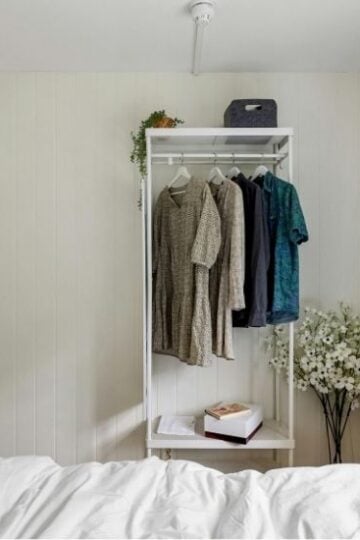
- 11 Practical No-Closet Bedroom Organization Ideas for Storing Clothes, Shoes, and Accessories
- Essential Documents Every Senior Should Organize Before an Emergency
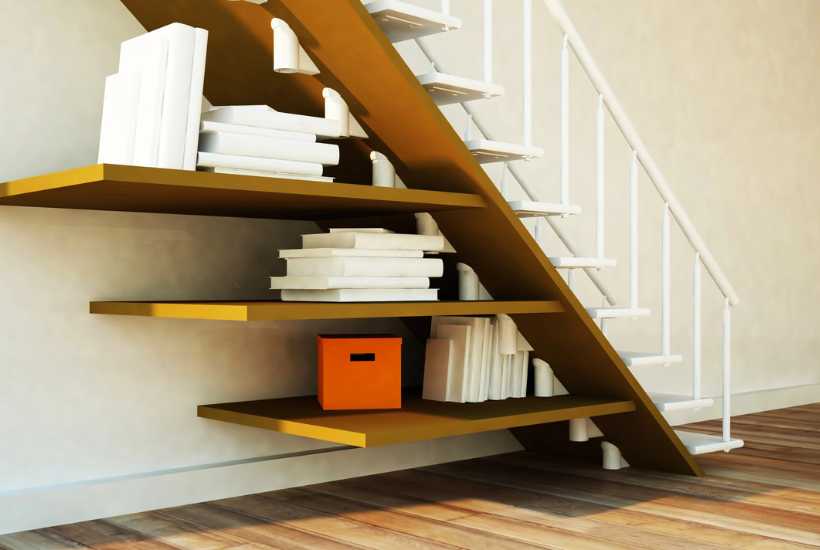
- 5 Smart Under Stairs Storage Ideas to Maximize Small Spaces